
Deleting Files or Folders#
You can delete a file or folder from your personal storage, a cloud folder or a DaVinci Resolve project if you are an owner, an administrator or have read & write access.
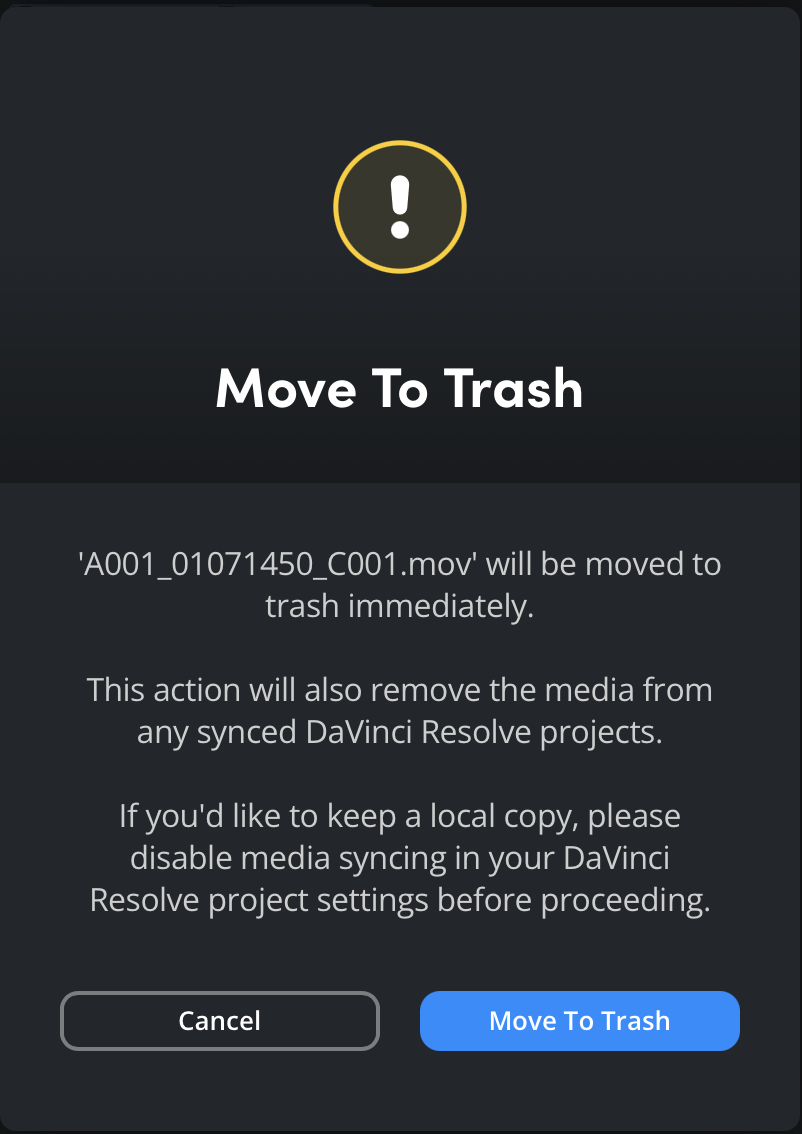
It’s important to note that deleting a file or folder from a shared cloud folder will remove it for all users with access to the folder. Similarly, deleting a file or folder from a DaVinci Resolve project will remove the media from any synced DaVinci Resolve projects.
To delete a file or folder:
- Click on the file or folder that you want to delete.
-
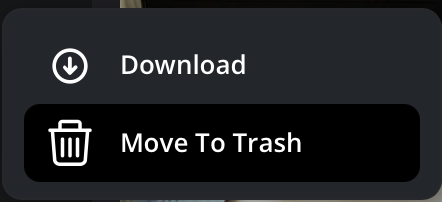
Click the option menu in the media viewer toolbar, and select 'move to trash'.
-
A dialogue box will be displayed asking you to confirm your choice. Click 'move to trash' to confirm, or 'cancel' to return to the previous screen.
When you delete a file or folder, it is sent to the ’trash’ folder in your Cloud Storage. Items in the trash count towards your overall storage use. Information about emptying the trash is provided later in this section.