
Restoring a File or Folder#
You can restore a file or folder from the ‘Trash’ and back to a cloud folder or your personal storage. This can be useful if a file or folder is deleted accidentally.
To restore a file or folder:
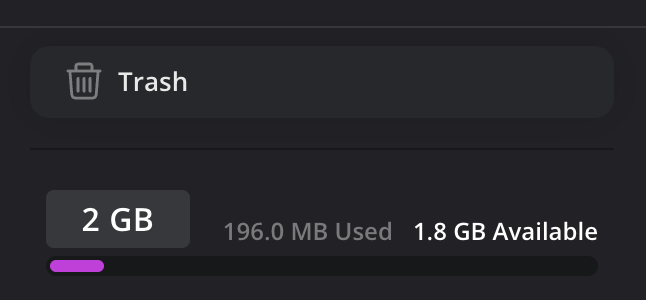
- Click the 'Trash' icon to open the 'Trash' folder.
- In the 'Trash' folder, click on the file or folder that you want to restore.
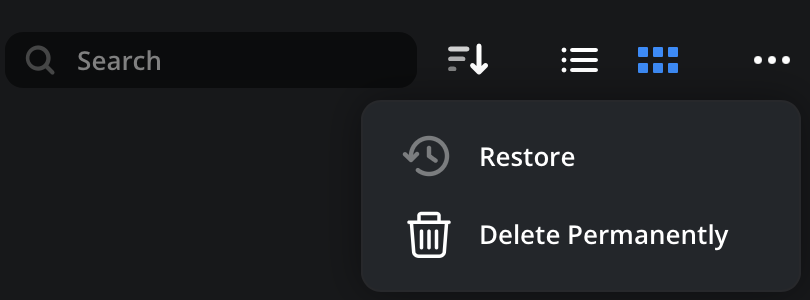
- Click the options menu and select 'restore'.
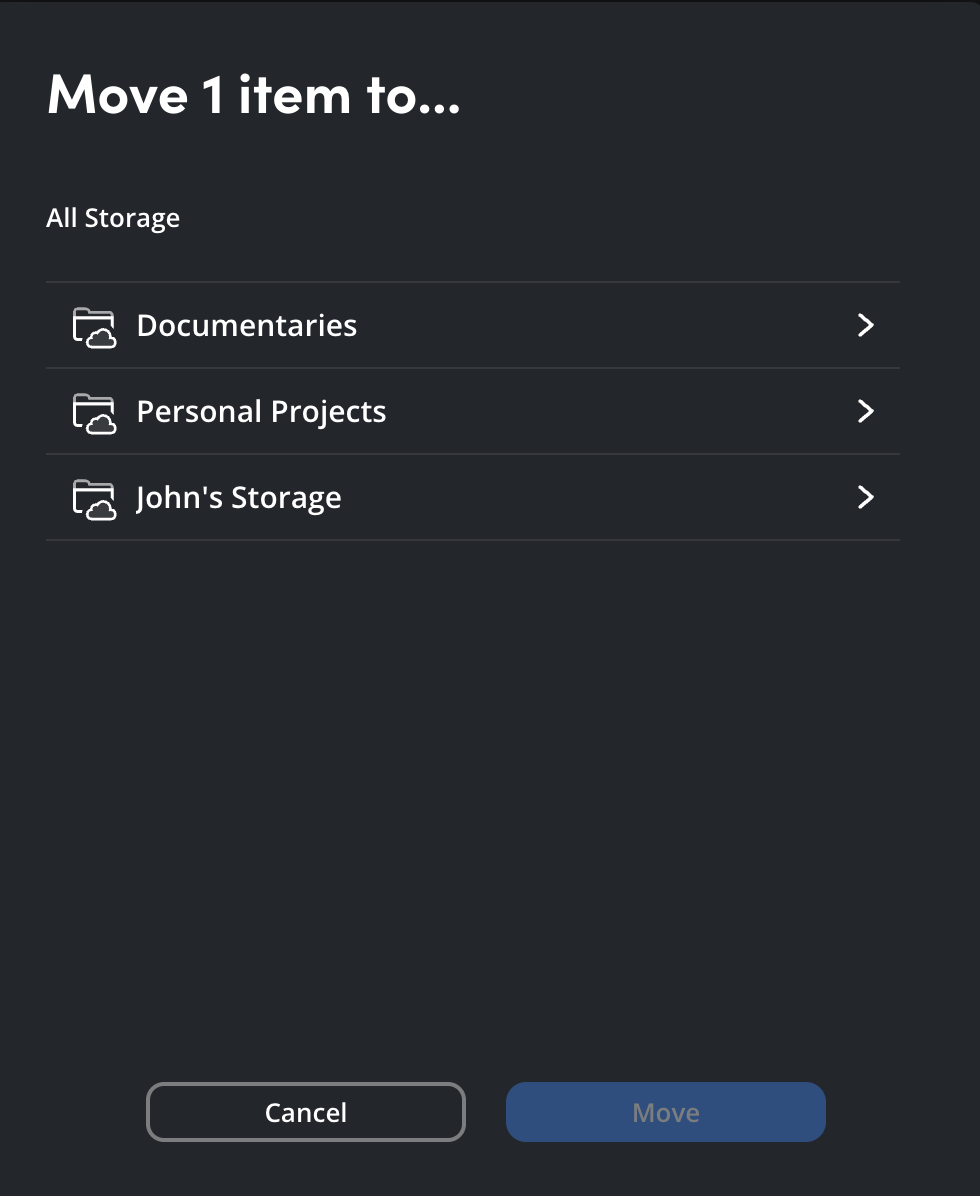
- You will be prompted to select a location for the restored file. You can restore to any folder in personal storage or a cloud folder that you have write access to. Select a folder and click 'move'.
The selected file or folder will be restored to the selected folder and a confirmation message will be displayed. Click the ‘go to location’ link to jump to the folder.