
Accessing Blackmagic Cloud from DaVinci Resolve#
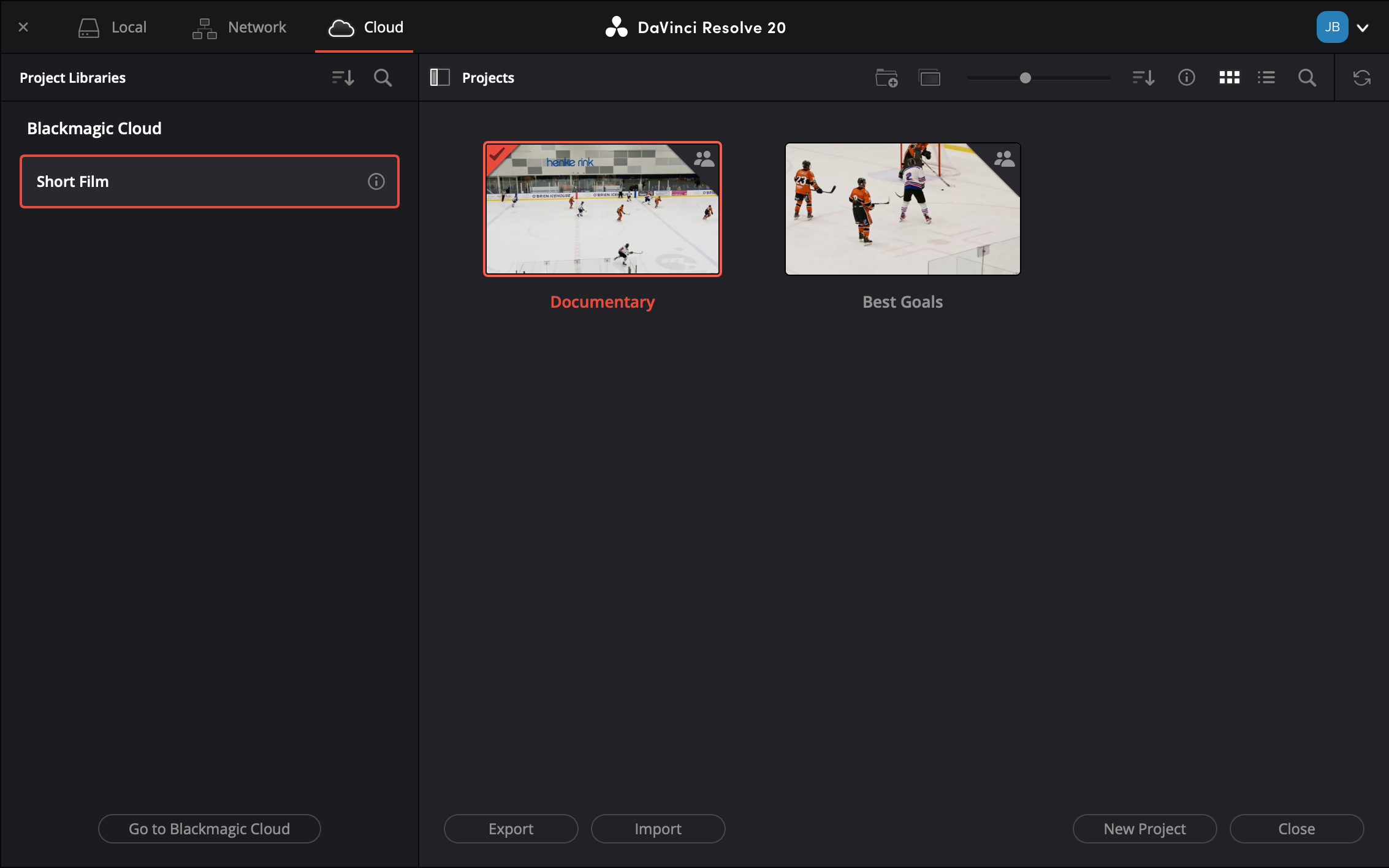
You can sign in to Blackmagic Cloud directly from DaVinci Resolve. Once signed in, you’ll be able to access Blackmagic Cloud Project Libraries and sync project media from Cloud Storage to your DaVinci Resolve project. Blackmagic Cloud is available in both the free and Studio versions of DaVinci Resolve.
To sign in to Blackmagic Cloud from DaVinci Resolve:
-
Open DaVinci Resolve. In the ‘project manager’ window, click the ‘cloud’ icon in the top left panel.

-
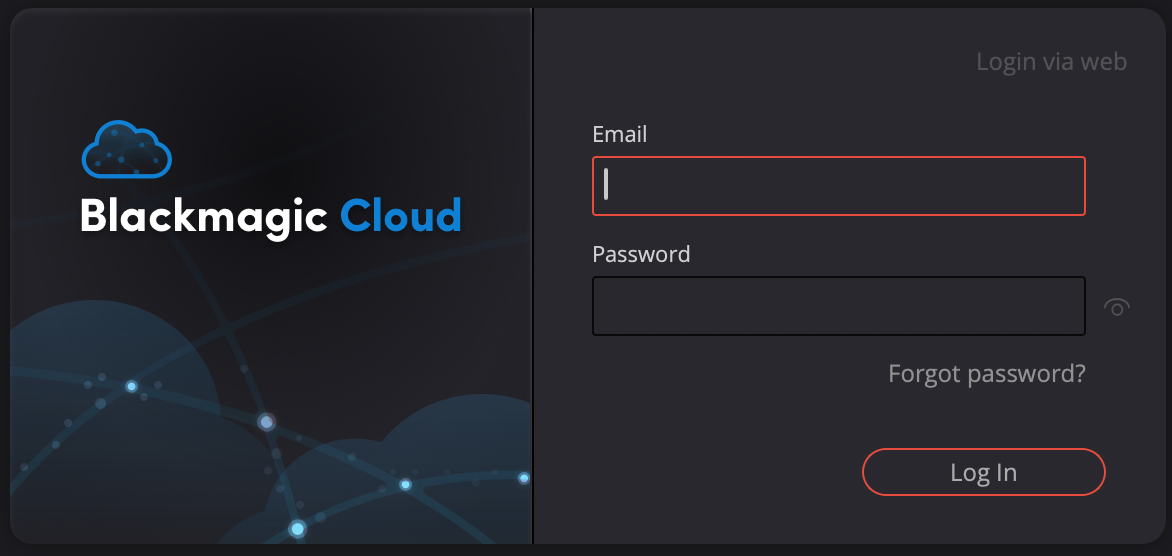
In the Blackmagic Cloud login window, enter your Blackmagic Cloud email and password and click ‘log in’.
If you have two factor authentication enabled on your Blackmagic Cloud account, you’ll be prompted to enter the one time code from your authenticator App.
-
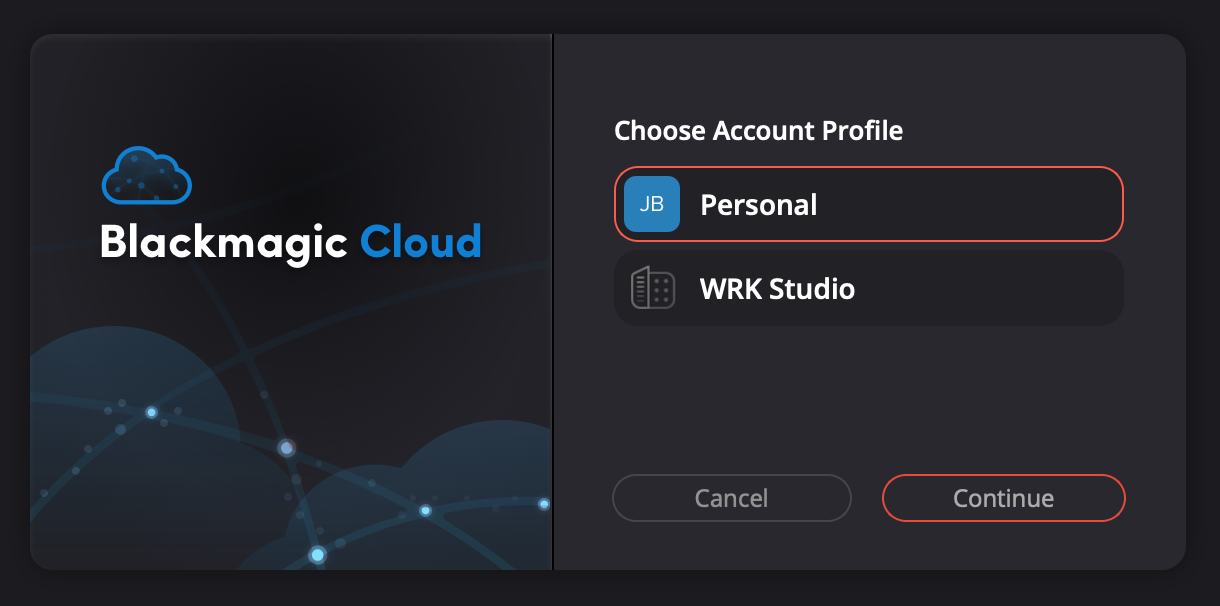
If you are a member of a Blackmagic Cloud Organization, you’ll be able to choose to log in to your personal profile or an organization profile. Select an account profile and click ‘continue’.
In the DaVinci Resolve project window, a list of Cloud project libraries will be displayed in the left hand side bar. Click on a project library to select it, the projects will be displayed in the right hand panel.