
Blackmagic Cloud Homepage Overview#
When you log in to your Blackmagic Cloud account, you’ll be taken to the Blackmagic Cloud homepage.
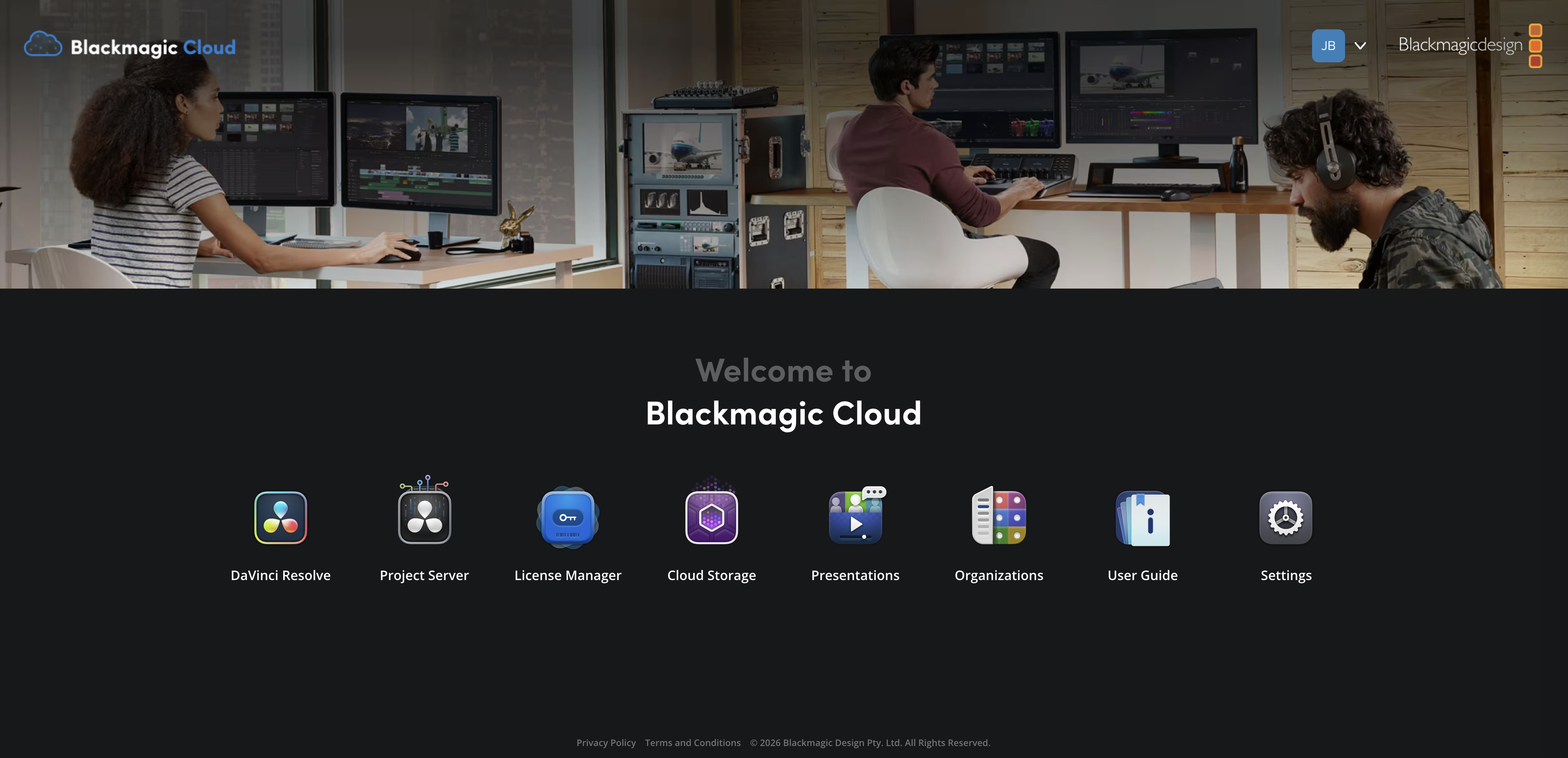
The homepage gives you quick access to all the Blackmagic Cloud Apps, plus your account settings. Simply click an icon to open an App. You’ll notice that the Blackmagic Cloud Apps dashboard is always displayed at the top of each App page, so you don’t need to return to the homepage to switch between Apps.

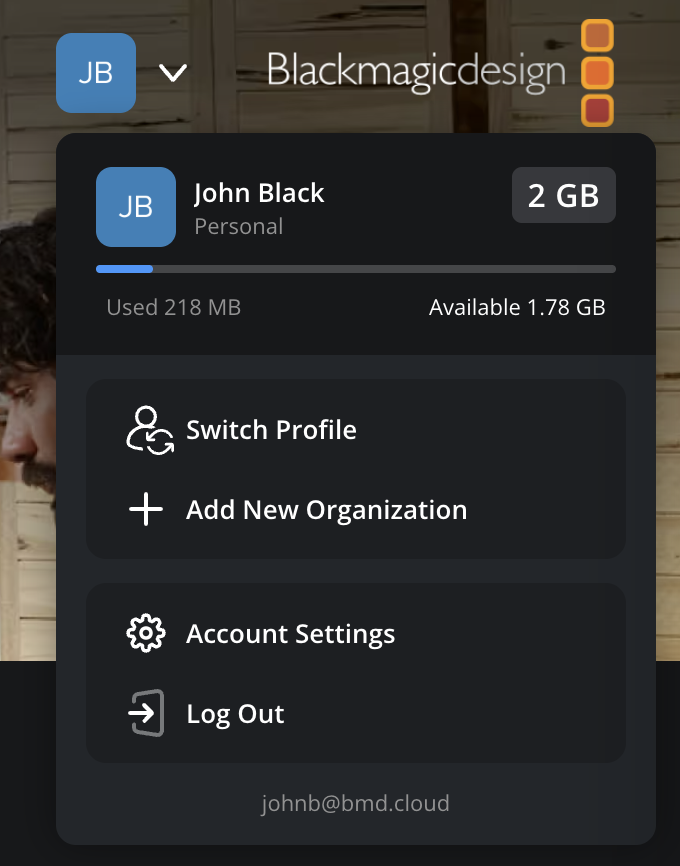
Your account avatar is also displayed in the top right corner of each page. You can click on your avatar to see available storage space, plus switch account profiles, add an organization, access account settings or log out of your Blackmagic Cloud account.
If you already have a Blackmagic Cloud account and have created, or have been added to an organization, you’ll be prompted to select a profile before being taken to the homepage.