
Getting Started#
All you need to get started with Blackmagic Cloud account is your email address! This section of the guide will show you how to create a Blackmagic Cloud account, explain what services are included in the free plan and give you an overview of the homepage page. Plus show you how to connect DaVinci Resolve to your Blackmagic Cloud account.
Creating a Blackmagic Cloud Account#
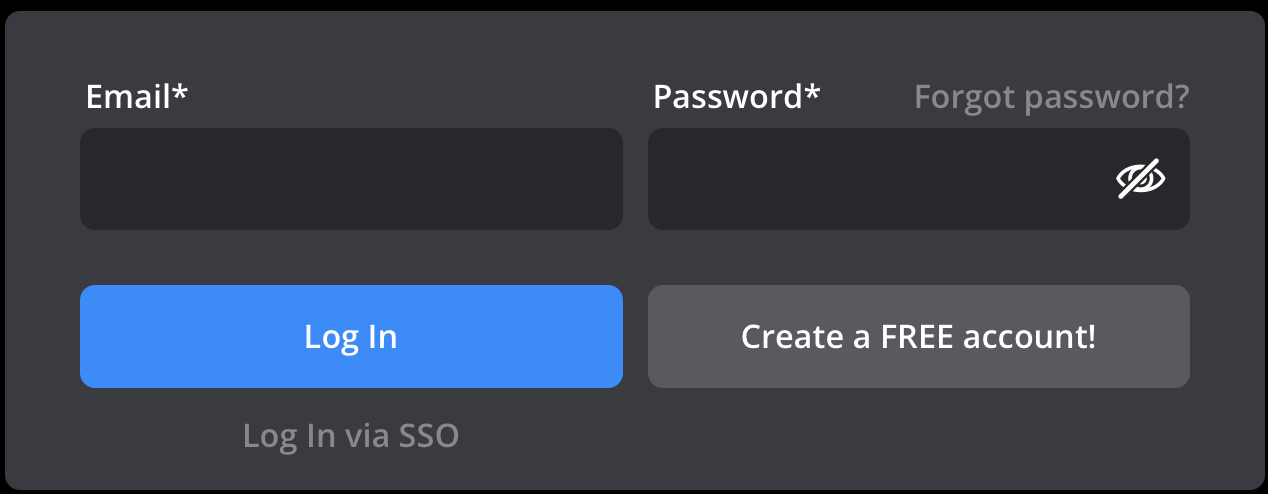
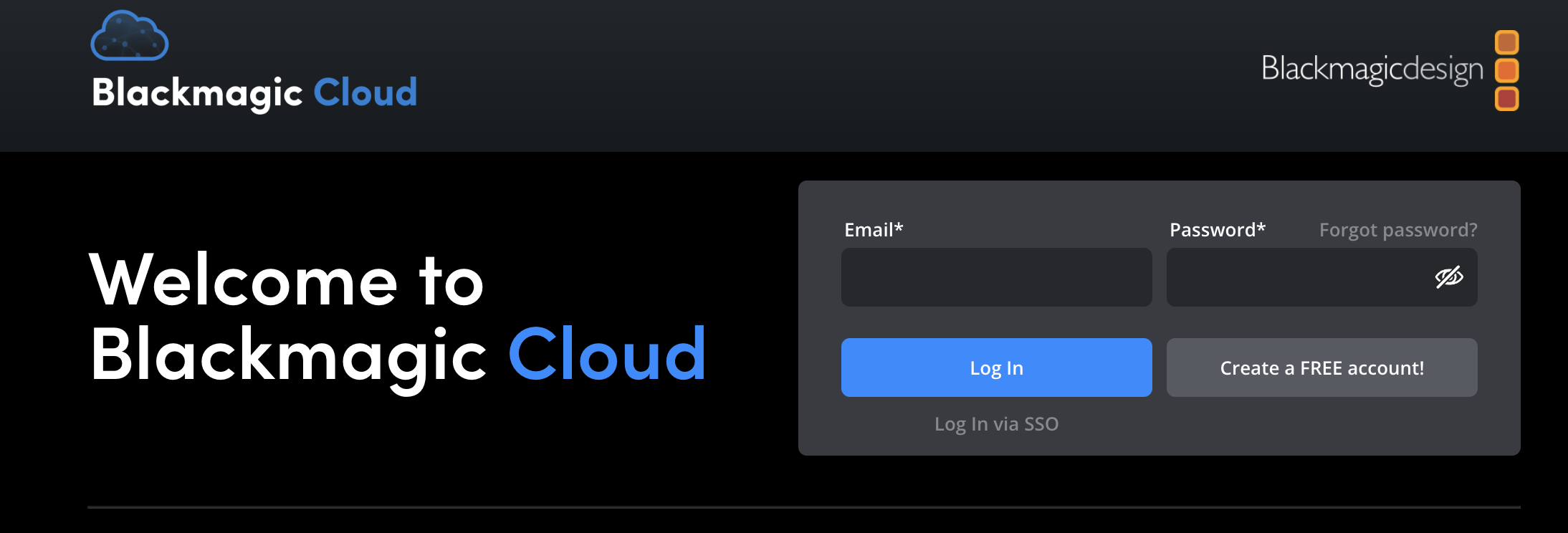
To create a Blackmagic Cloud account, begin by clicking the ‘create FREE account’ button on the Blackmagic Cloud welcome page.
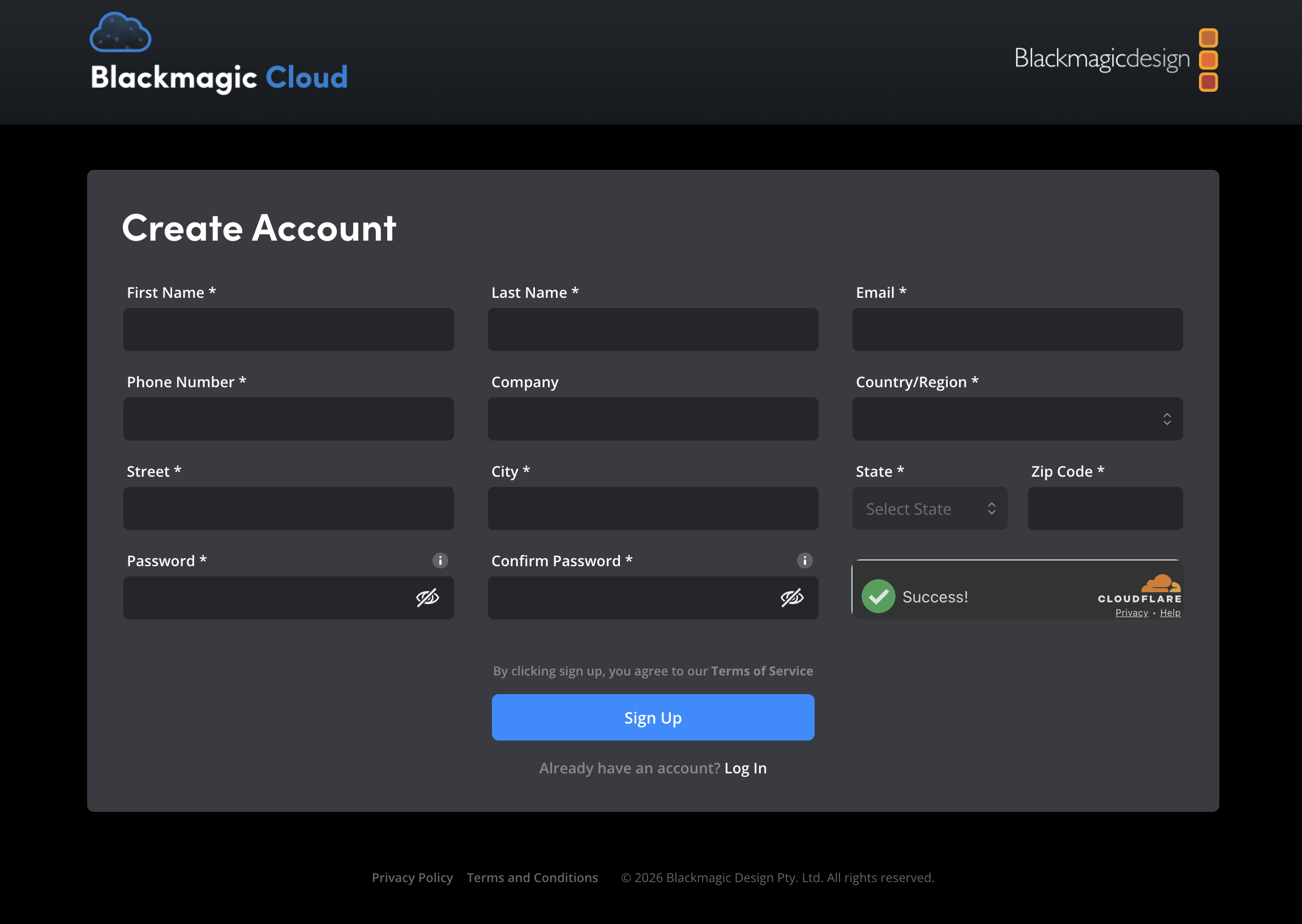
On the ‘create account’ page, enter your information and complete the CAPTCHA by ticking the checkbox. Click the ‘sign up’ button.
A confirmation message will be displayed and a verification email will be sent your email address.
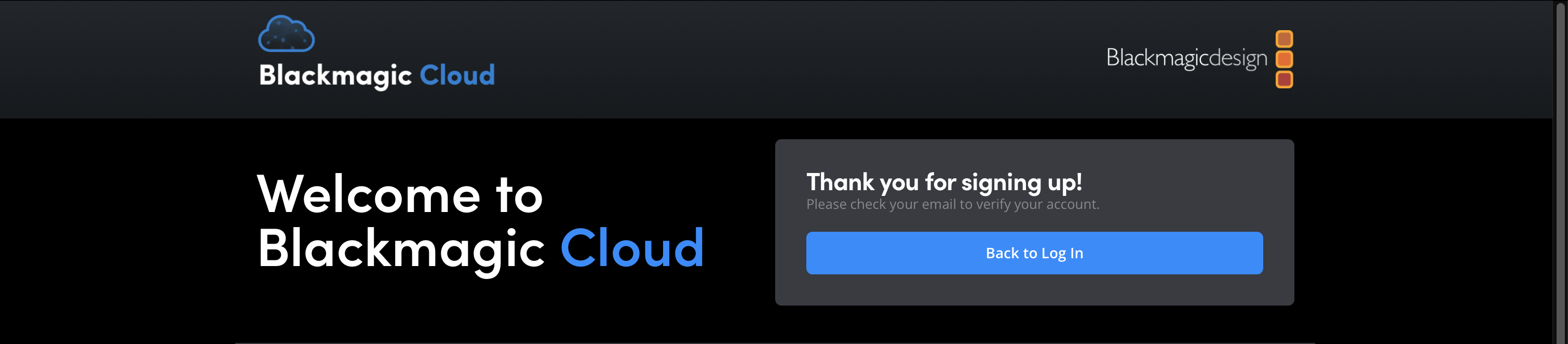
To complete the sign up process and activate your account, log in to your email account and look for an email from ‘Blackmagic Cloud’ with the subject line ‘please verify your account’. Open the email and click the ‘activate your Blackmagic Cloud account’ button.
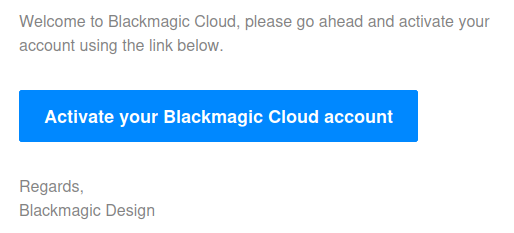
If you don’t see an email from Blackmagic Cloud in your email account’s inbox, check the ‘spam’ folder.
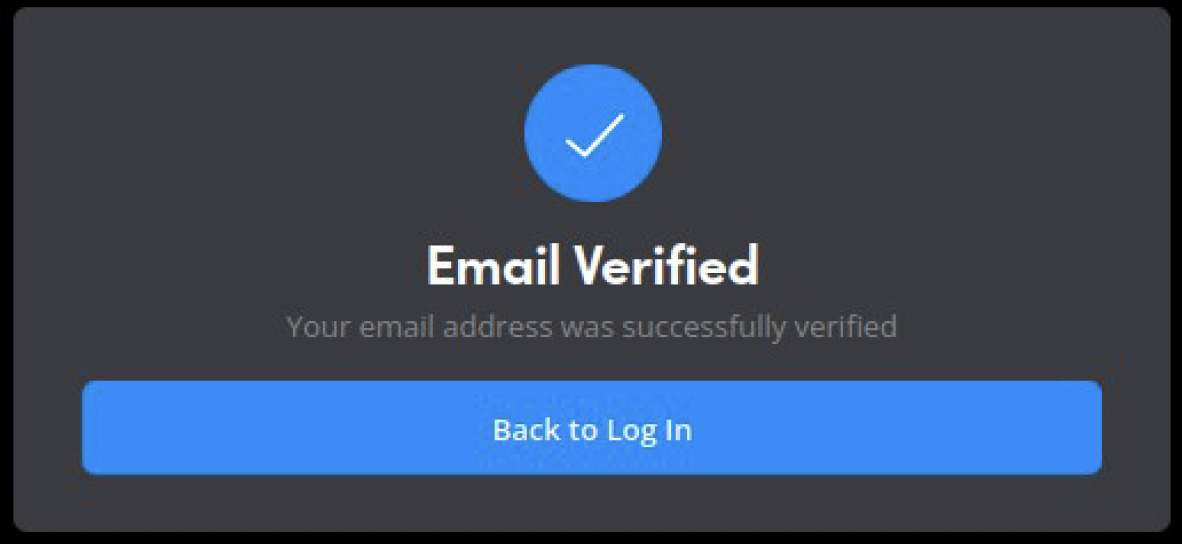
Once you’ve verified your email account, you will be redirected to the Blackmagic Cloud homepage, click the ‘back to log in’ button.
On the log in page enter your email address and password and click ’log in’.