
Personal and Organization Account Profiles#
There are two types of profile available in your Blackmagic Cloud account. Your ‘Personal’ profile is the default profile and set up automatically when you first create a Blackmagic Cloud account. If you have created, or have been added to, a Blackmagic Cloud Organization you will also have access to an ‘Organization’ account profile.
Your ‘Personal’ profile is ideal for smaller workflows or solo projects. Blackmagic Cloud Organizations offer additional options for collaborative workflows and are the best way to manage resources such as cloud storage, project servers and DaVinci Resolve licenses. For more information on setting up and managing Blackmagic Cloud Organizations, refer to the ‘Organizations’ section of this guide.
Switching Between Profiles#
When you are part of an organization, you’ll be prompted to choose between your personal or an organization profile when you log in to your Blackmagic Cloud account. After entering your email and password, simply click on the profile that you want to use in the ‘Select Profile’ page.
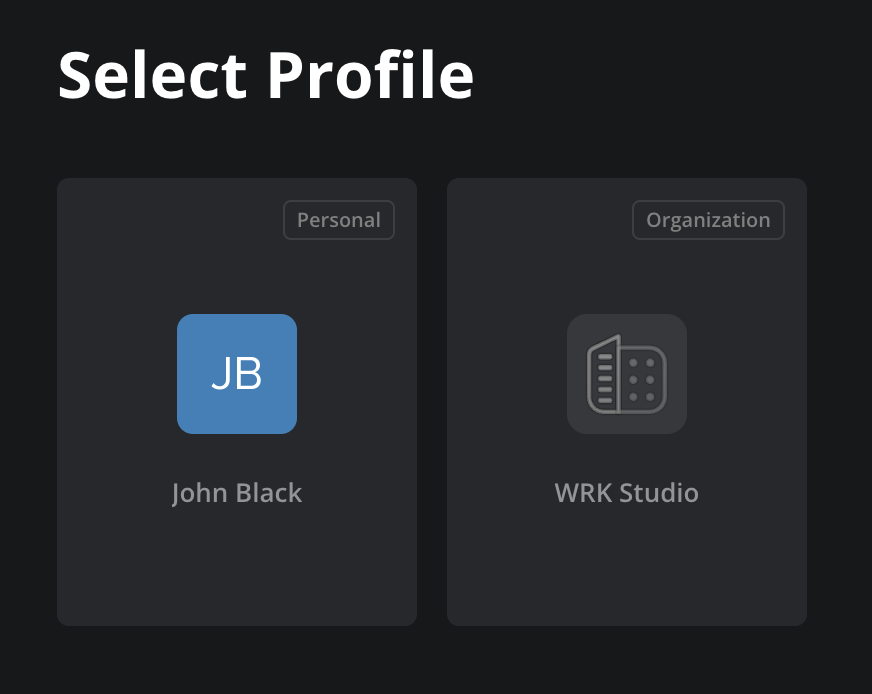
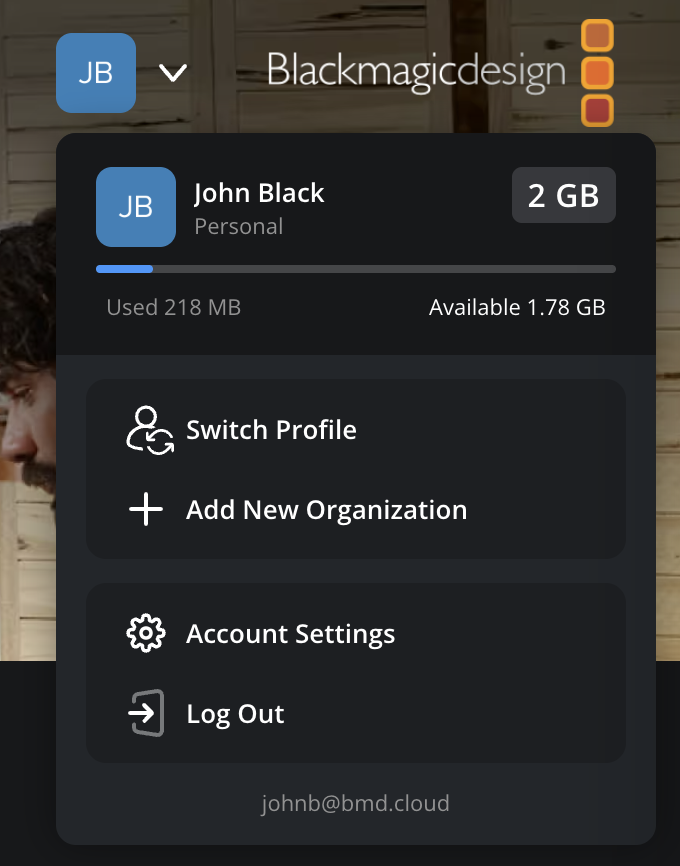
You can quickly switch between profiles at any time, without logging out of your Blackmagic Cloud account. Click your account avatar in the top right of the screen and select ‘Switch Profile’ from the menu. This will return you to the ‘Select Profile’ page.